
NEW Mobile App for the Patient Portal!
We are excited to announce a NEW mobile app for our patient portal!
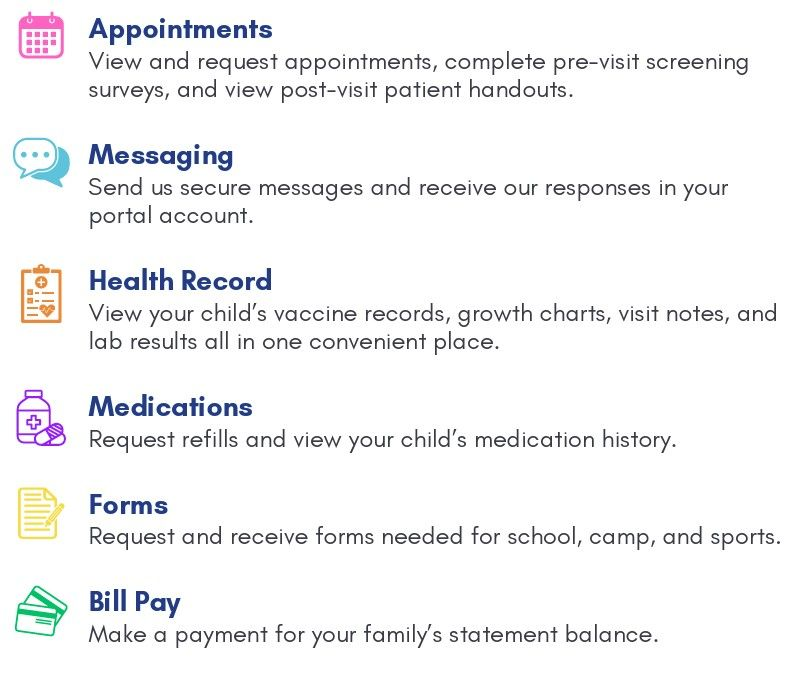
Features include:
How to Download the Portal Mobile App
iPhone Users
- Navigate to the App Store on your device.
- Search for My Office Practicum (direct link here).
- Download and open the app.
- Select your practice's name from the drop-down list.
- Login utilizing your existing OP Portal account credentials.
Android Users
- Navigate to the Google Play Store on your device.
- Search for Office Practicum (direct link here).
- Download and open the app.
- Select your practice's name from the drop-down list.
- Login utilizing your existing OP Portal account credentials.
Important Notes
You only need to select your clinic the first time you login. It will be remembered for every login going forward.
Please contact the office if you have any questions. Thank you!